










AirSchool

Getting started

Build lists

Enrichments

Export

Find Phone Numbers

+9

Find Professional Emails

+6

Find Personal Emails

+5

Verify Email

Extract profile (people)

Extract profile (company)

Find Open Jobs in Companies

Extract People/Company Posts

AI Custom Prompt

+3

AI Agent (AirSearch)

Custom Google Search

Find a Linkedin Profile URL

Find a Linkedin Company URL

Find a Company Domain

Find Website Technologies

Find Funding Info

Extract the Text Content of a Website

Extract SEO Data of a Website

Lookup Contacts in CRM

AirSchool

Getting started

Build lists

Enrichments

Export

Extract website content with Zenrows

Extract website content with Zenrows

Scrape and extract the text content from any website using Airscale's Zenrows integration. This powerful enrichment tool converts websites into LLM-ready markdown data, perfect for research, competitor analysis, and content gathering from your prospects' company websites
Scrape and extract the text content from any website using Airscale's Zenrows integration. This powerful enrichment tool converts websites into LLM-ready markdown data, perfect for research, competitor analysis, and content gathering from your prospects' company websites
1

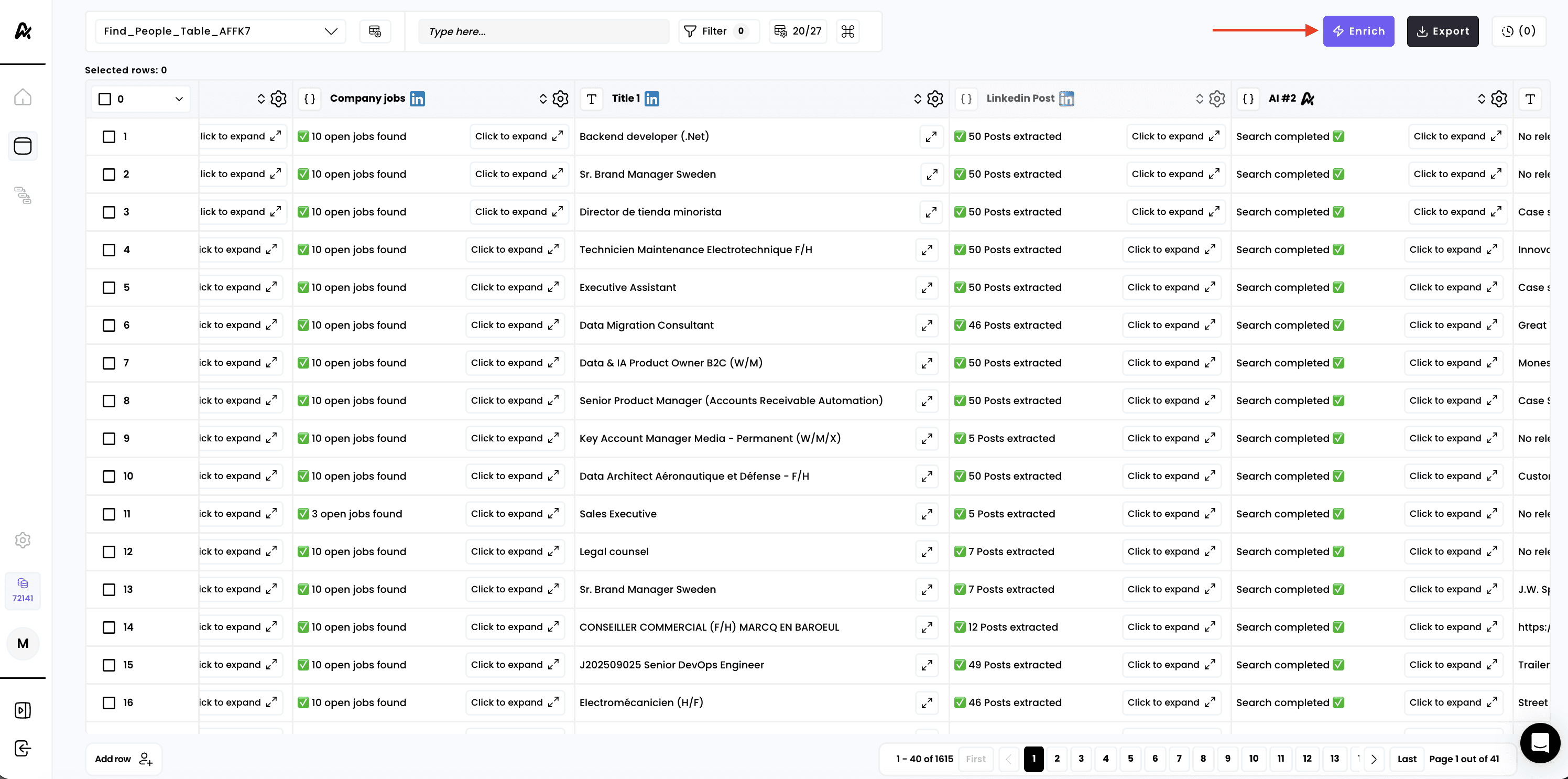
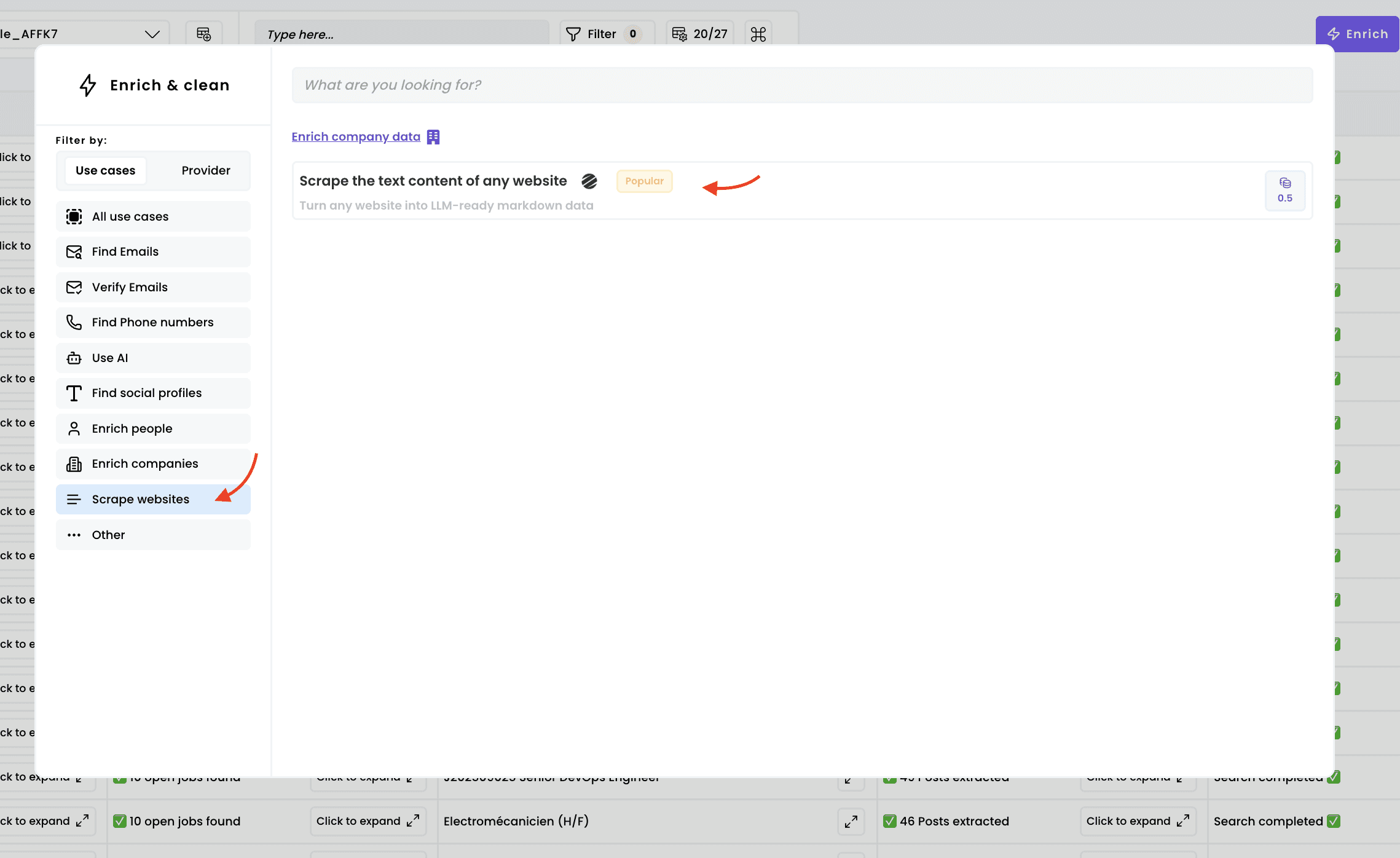
Select the enrichment

1

Select the enrichment

2

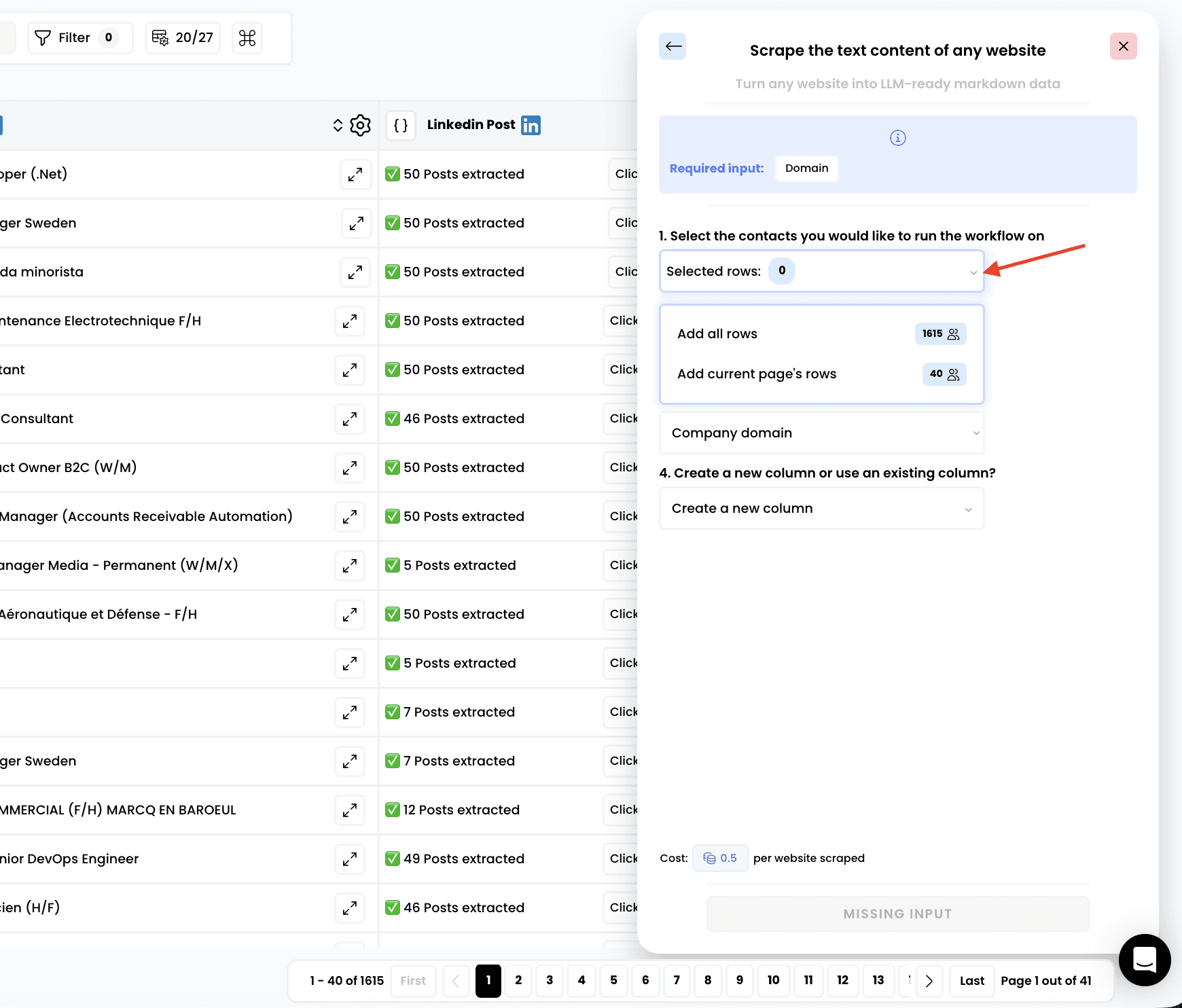
Select the rows to enrich

2

Select the rows to enrich

3

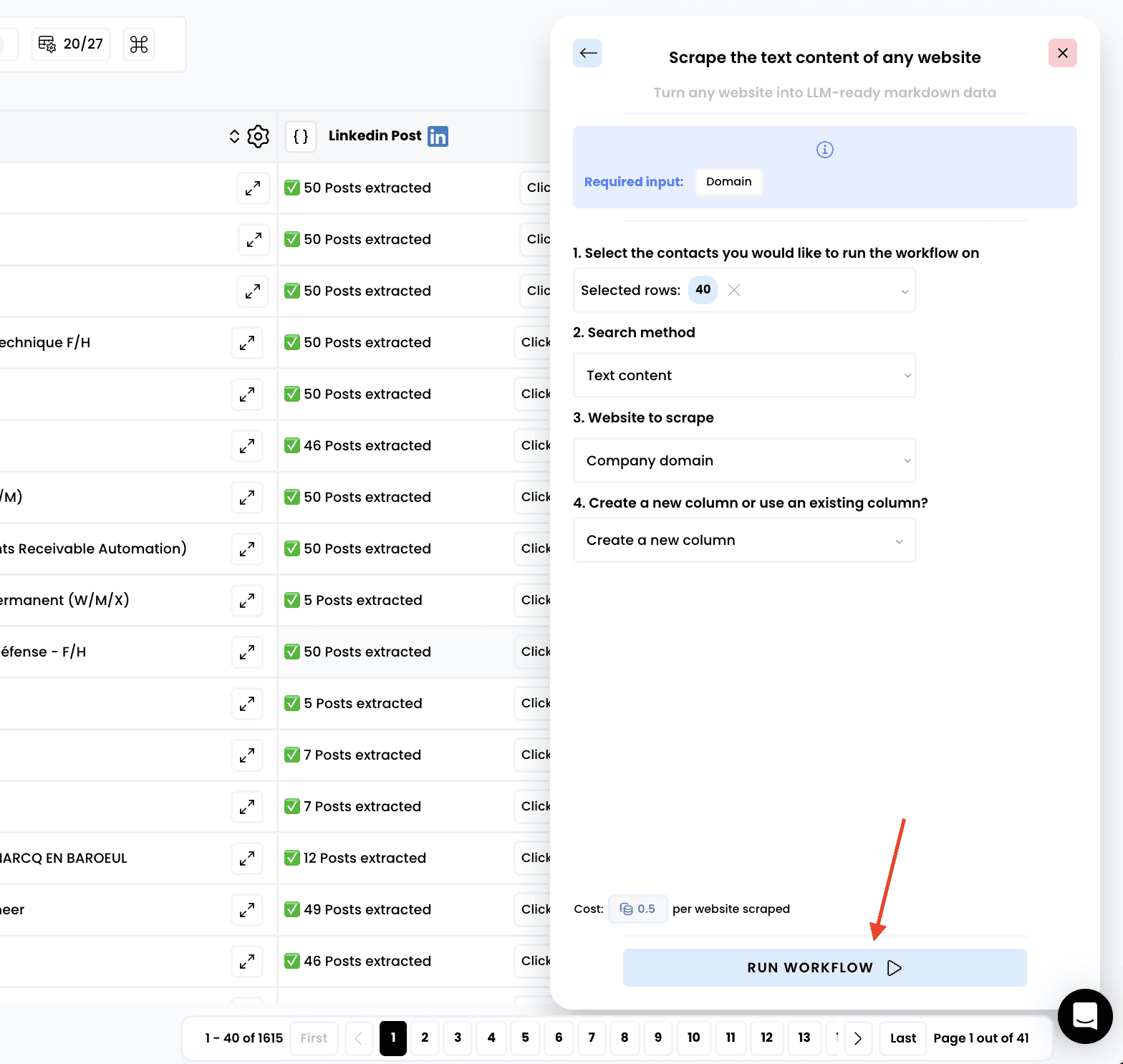
Run the workflow

3

Run the workflow

4

Access the results

4

Access the results

Once the enrichment completes:

  1. Review the new "Website text content" column added to your table

  2. Analyze the scraped data for research and personalization opportunities
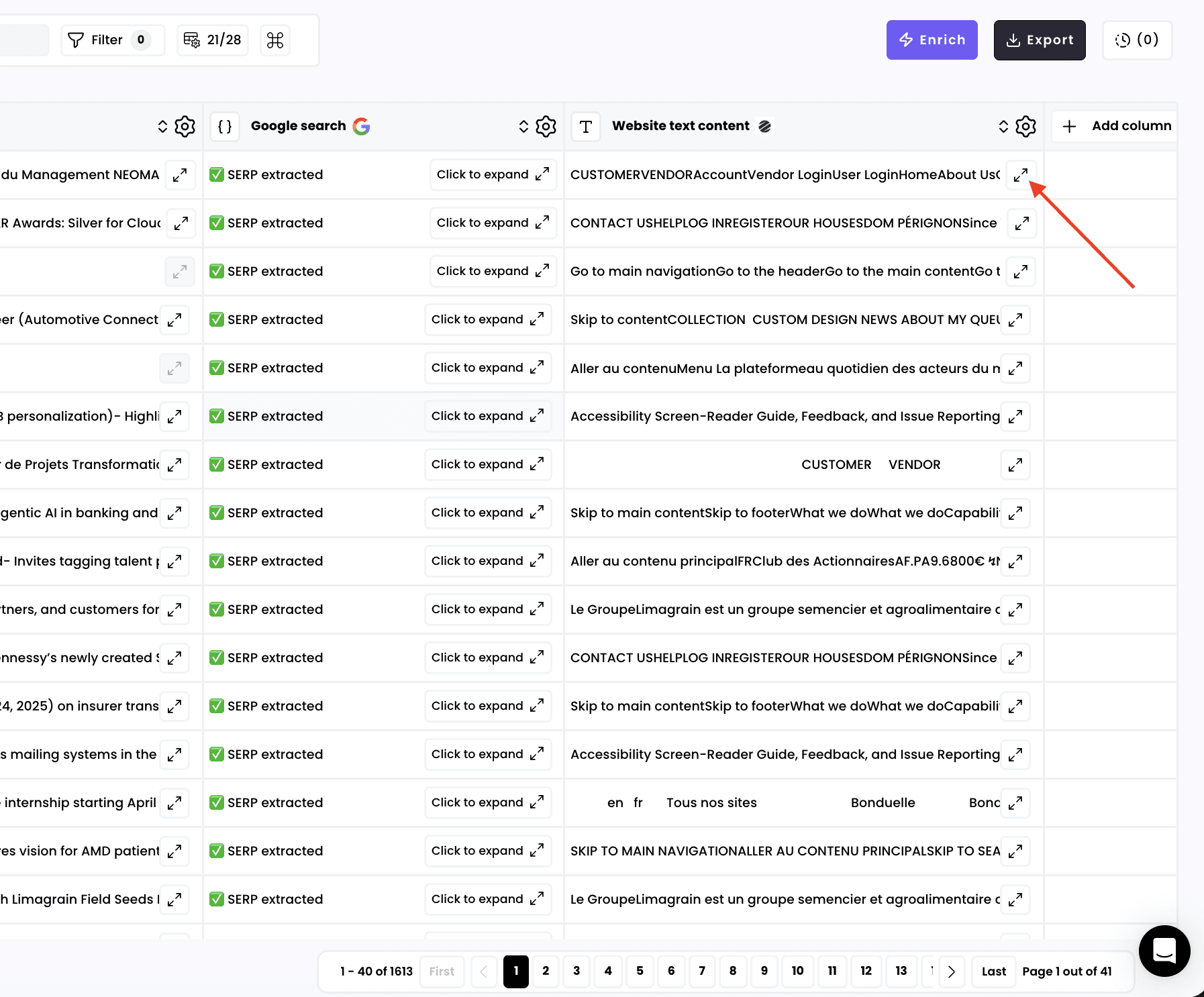
Once the enrichment completes:

  1. Review the new "Website text content" column added to your table

  2. Analyze the scraped data for research and personalization opportunities
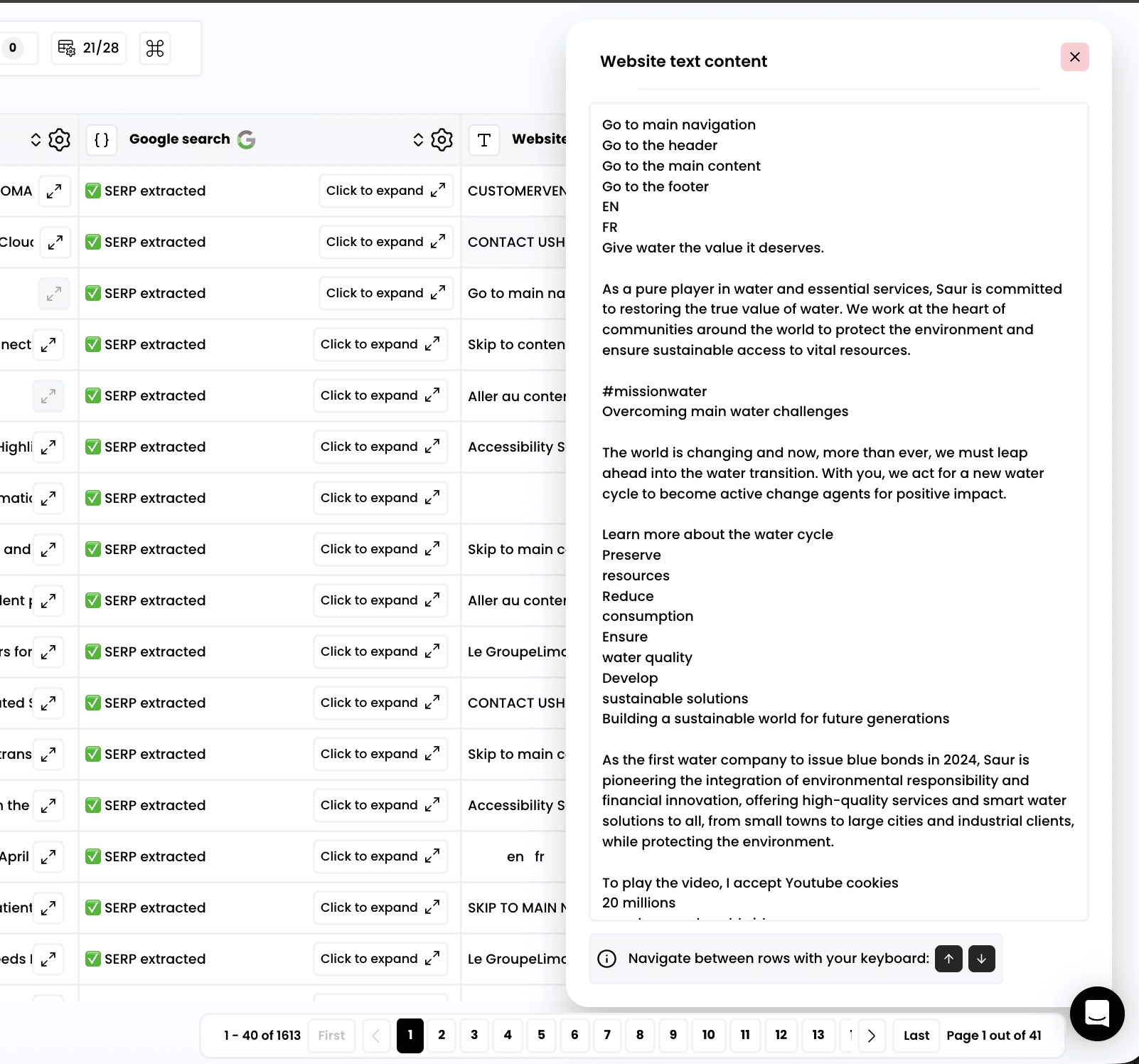
Docs

Docs