







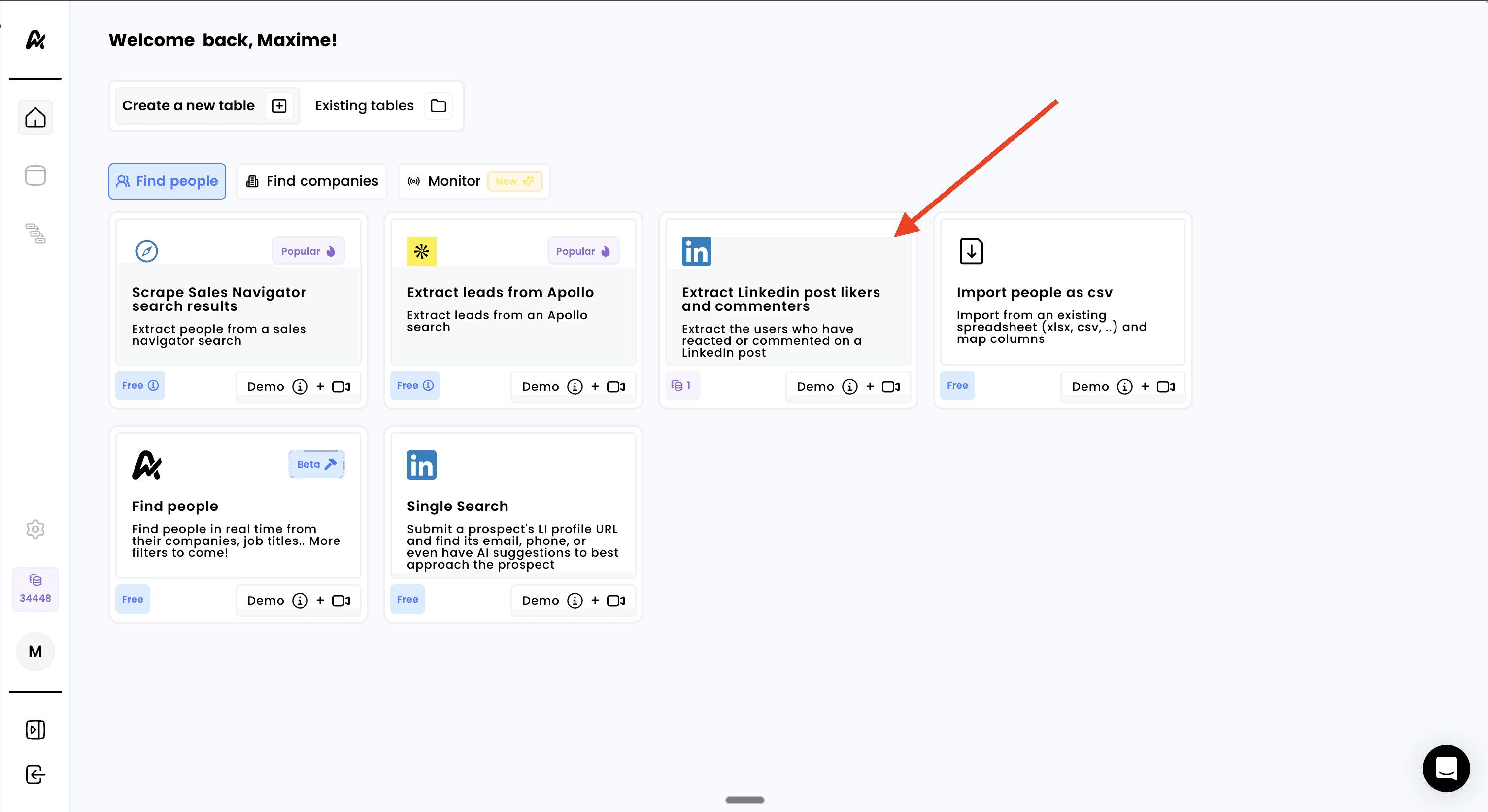
Find highly engaged prospects by extracting users who have liked or commented on specific LinkedIn posts. This powerful feature helps you identify people already interested in topics relevant to your business, making them warmer prospects for outreach
Note
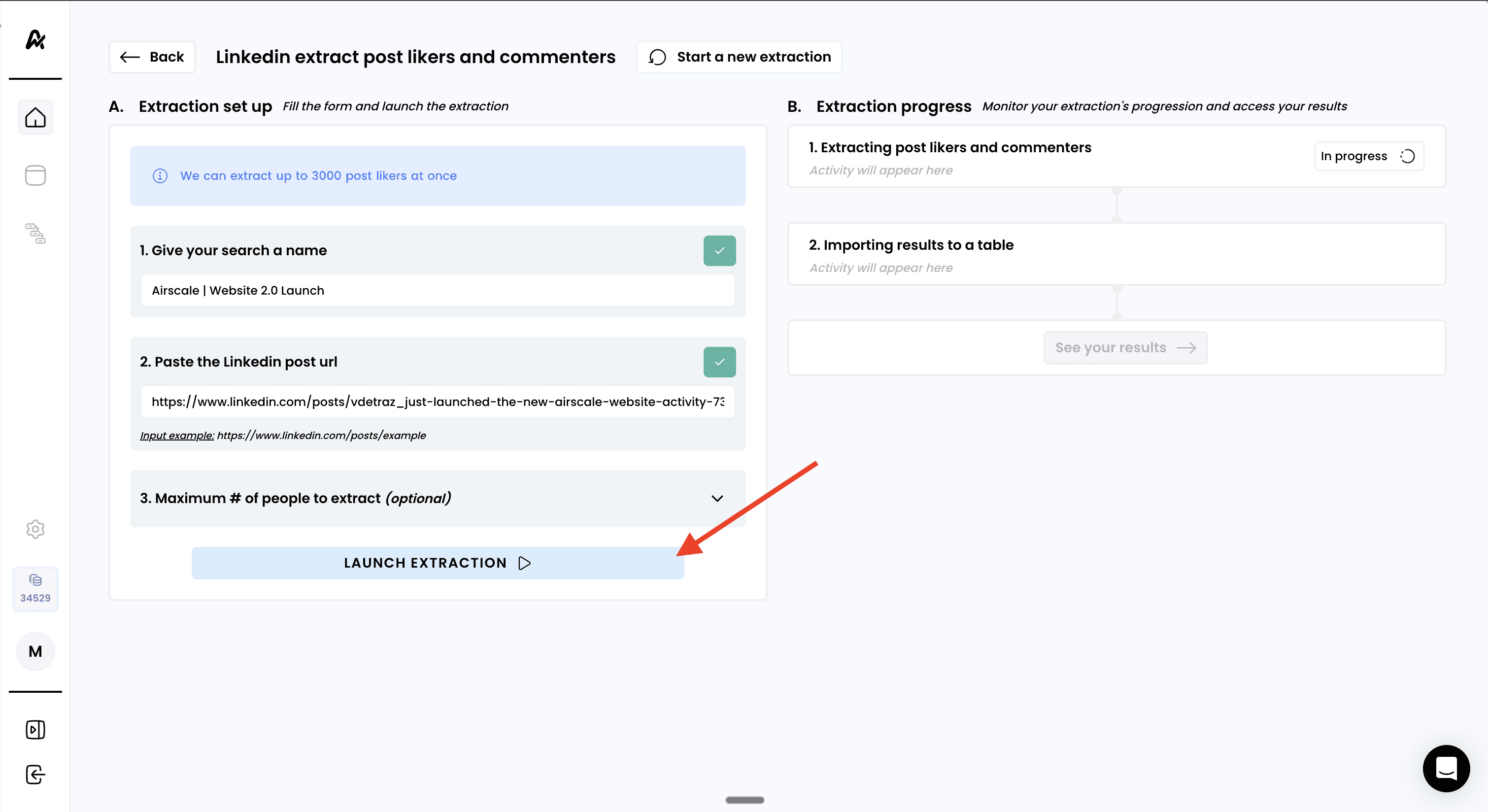
You can extract up to 3000 post likers/commenters at once
Access to LinkedIn (personal or Sales Navigator account)
Specific LinkedIn posts with engagement (likes/comments) to target
Log into your Airscale account
Select "Extract LinkedIn post likers and commenters" from the available options in the "Find People" tab
Identify and prepare your target LinkedIn post:
Find a relevant LinkedIn post with good engagement:
Industry thought leadership content
Company announcements from competitors
Product launches or feature updates
Industry news or trend discussions
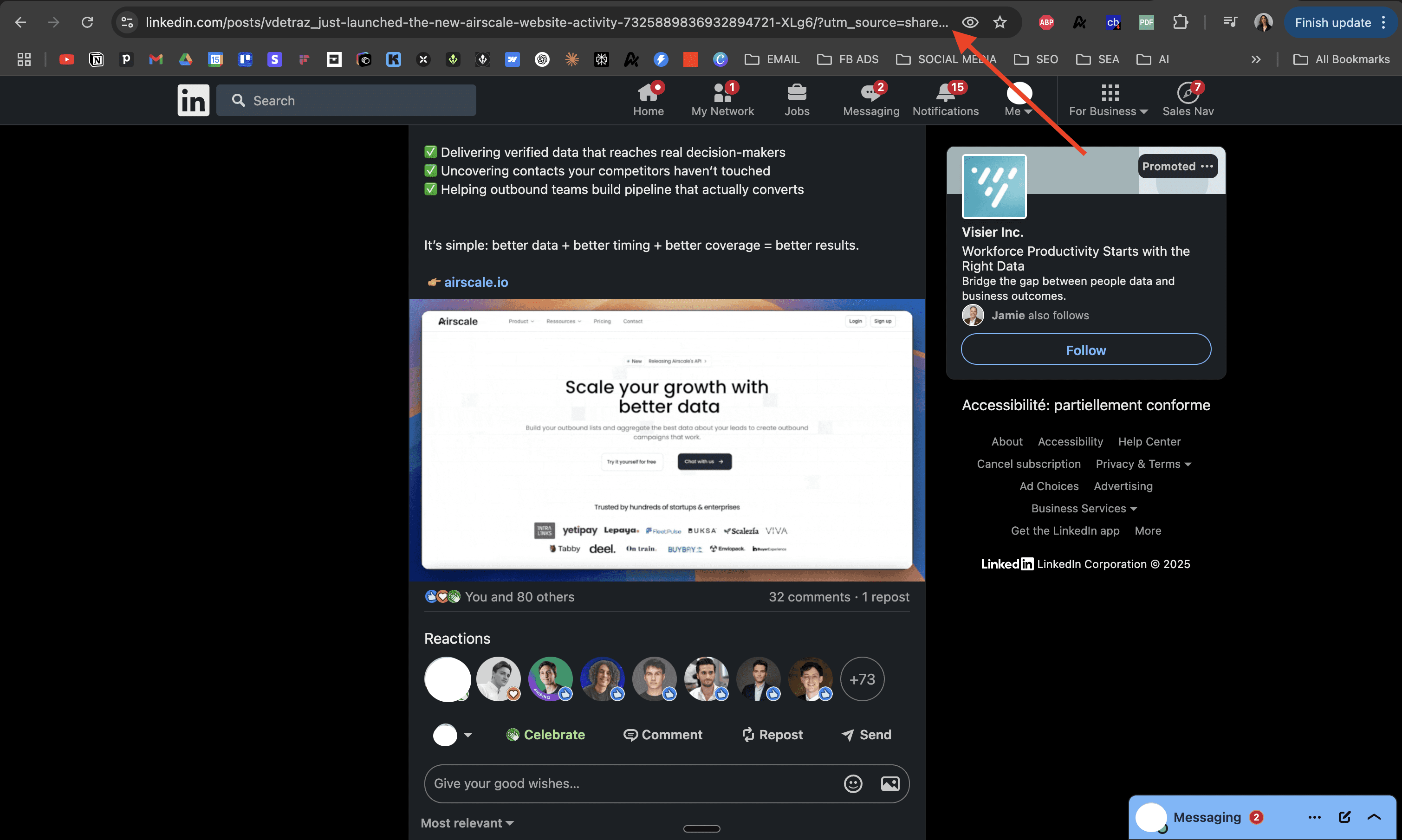
Copy the post URL:
Navigate to the specific LinkedIn post
Click on the post timestamp to open the individual post view
Copy the full URL from your browser's address bar
URL should look like:
https://www.linkedin.com/posts/[username]_[post-id]
Give your extraction a descriptive name:
Example: "SaaS CEO Post Engagement | Q1 2024 | Marketing Automation"
Include the post topic and date for easy reference
Paste the post URL into the designated field in Airscale
" transform="translate(4 1)" width="8px"/></svg>)
Pro Tip
Choose posts with 50+ engagements for a meaningful prospect list, but avoid super viral posts (3000+ engagements) that may contain less targeted audiences.
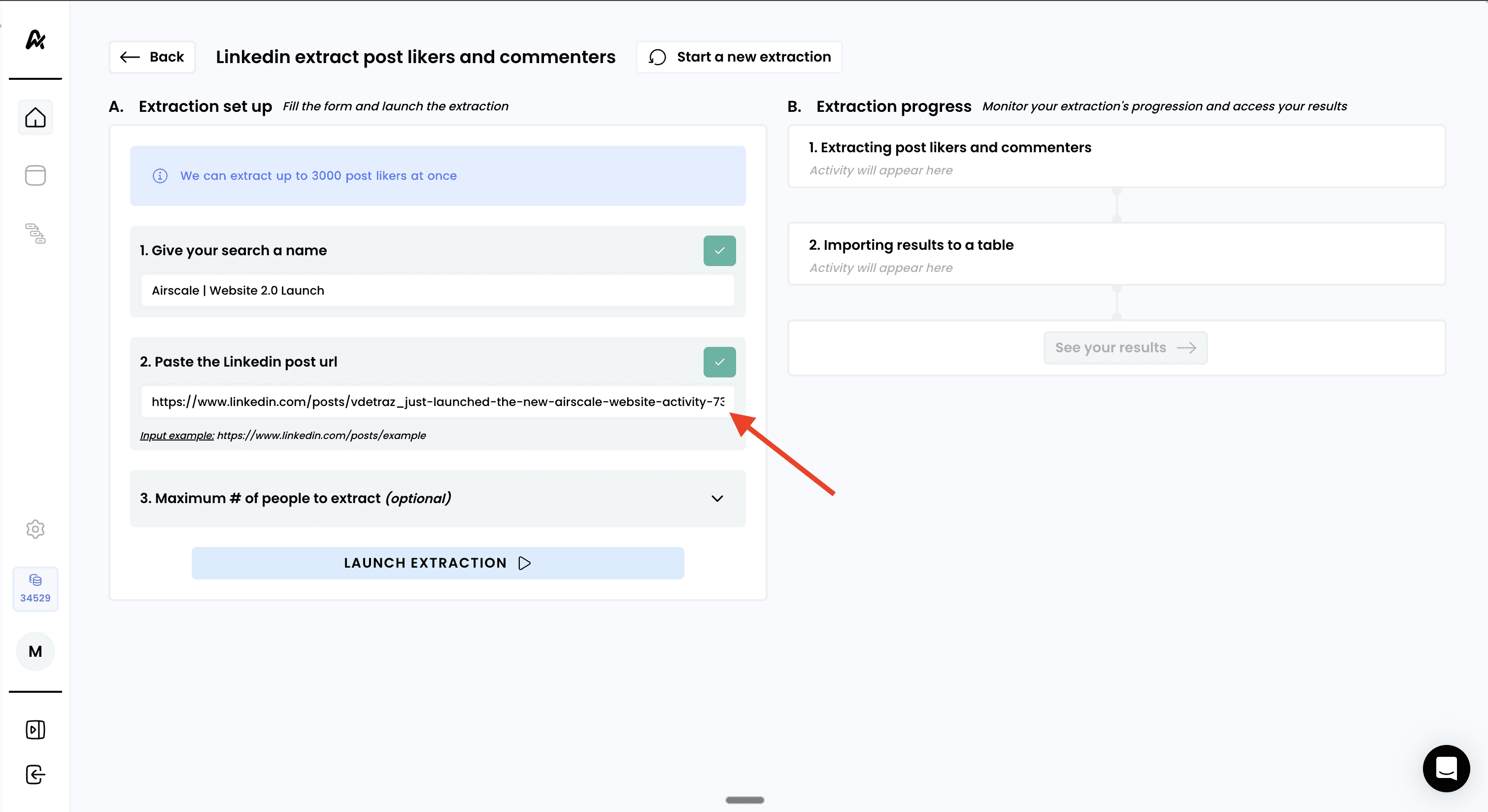
Click "LAUNCH EXTRACTION" to begin the scraping process
Monitor progress in real-time:
✅ Validating post access and engagement data
⏳ Extracting user profiles from engagement
📊 Processing and importing results
Wait for completion - most extractions complete within 1-5 minutes
Pro Tip
You can navigate away from this page during extraction
Once extraction is complete:
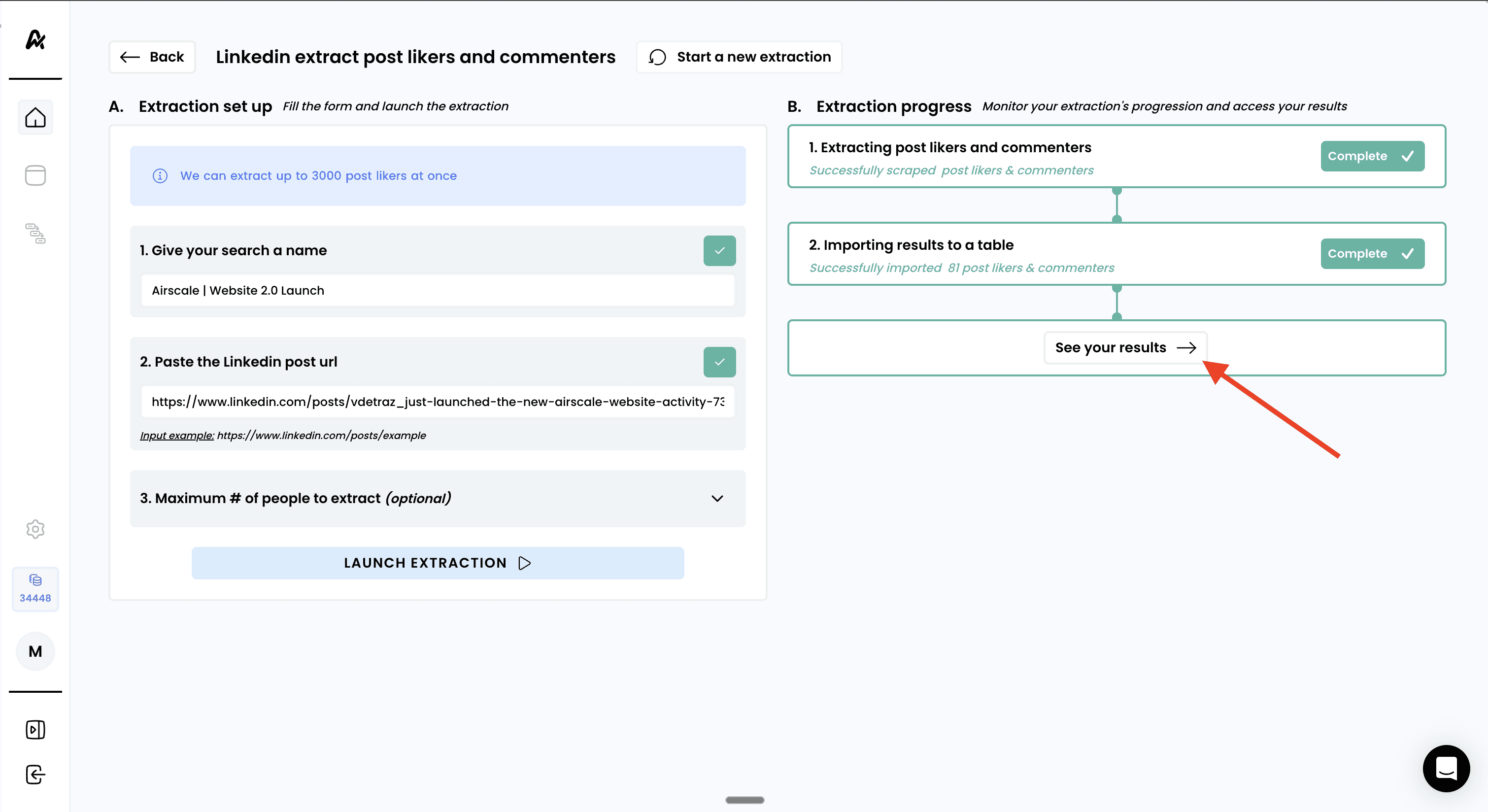
Click "See your results" to view your engagement-based prospect table